01
Install, connect
Sign in and start a connection from the home screen in one tap.
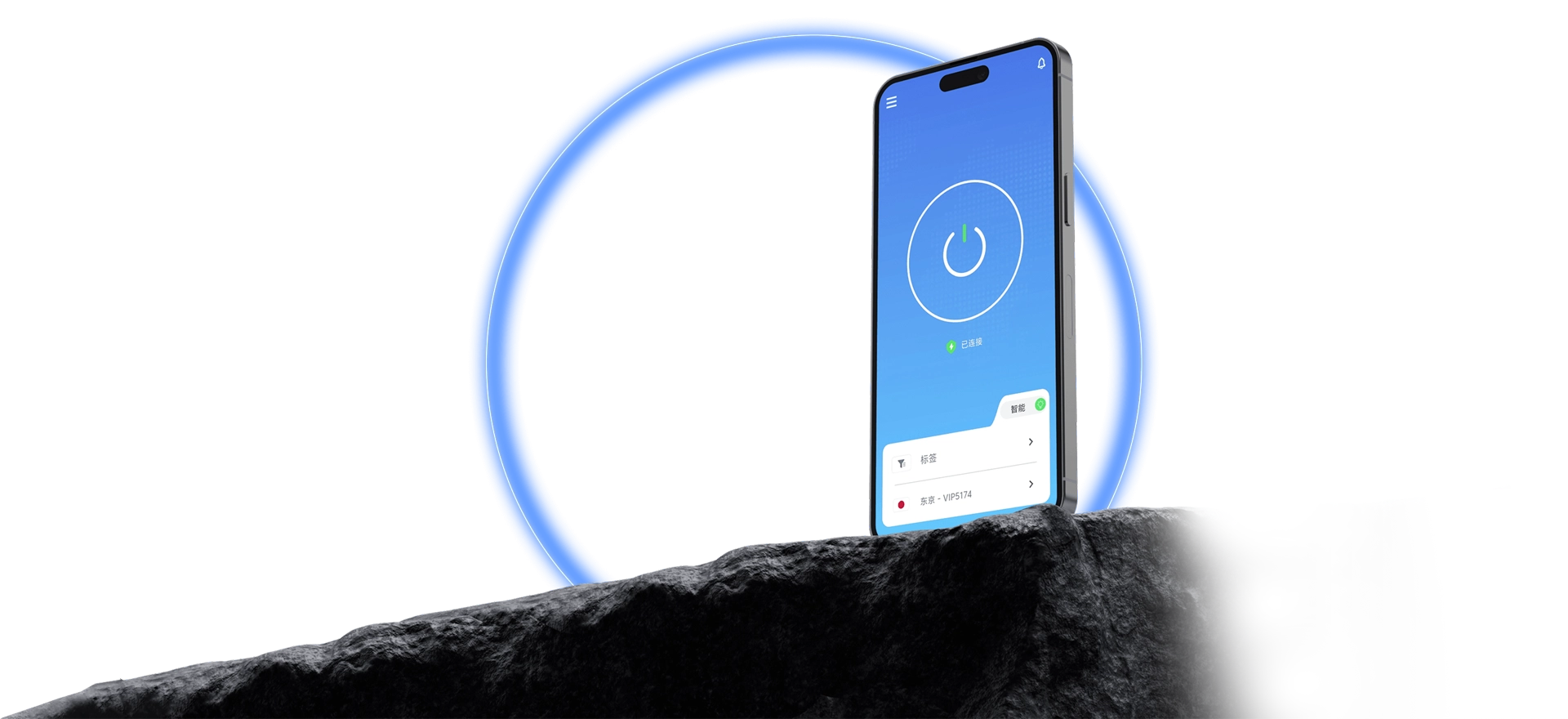
Smart-scheduled dedicated routes keep streaming, gaming, and AI tools running smoothly.
Covers Windows, macOS, iOS, Android, and Linux. After sign-in, select a route for a smart connection with real-time status sync; one account manages every device.
Lean steps designed for a fast start.
Sign in and start a connection from the home screen in one tap.
Transparent route status, adjusted on demand.
Connection results are reported in real time.
Unified flows across platforms mean zero learning cost.
Data use and protection are documented and easy to check.
Setup, sign-in, and connection issues each ship with a solution.
Install the client, complete the configuration, and start QuickQ right away.